
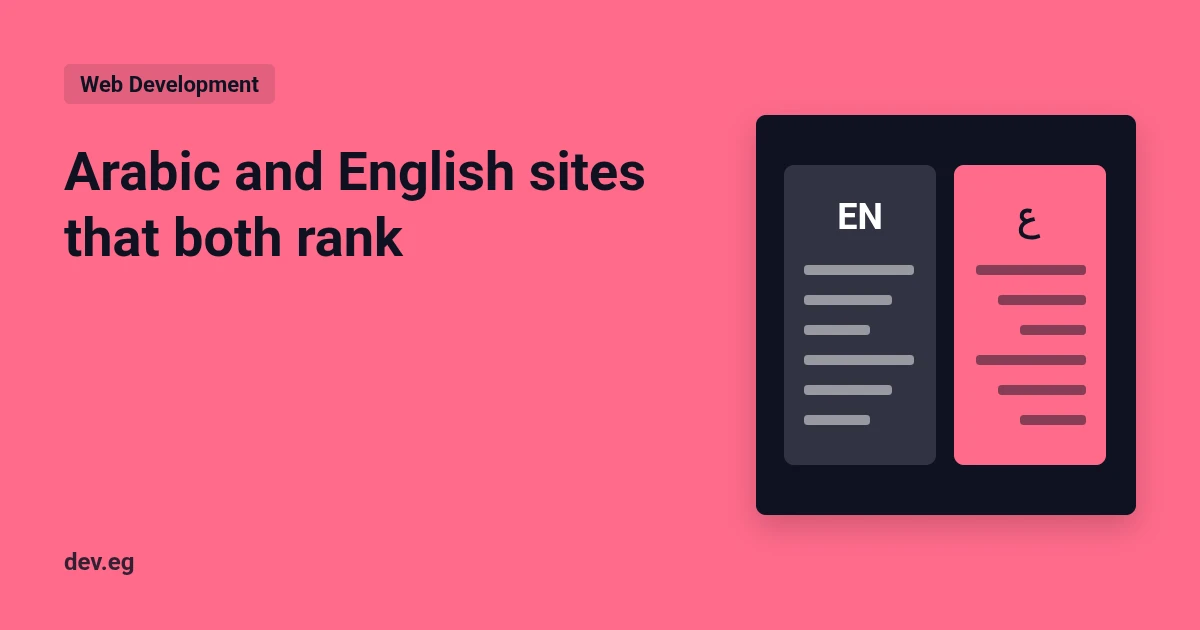
Short answer: give each language its own URL (a subfolder such as /ar/ is the simplest choice), connect every English page to its Arabic version with reciprocal hreflang tags, mark Arabic pages with lang=”ar” and dir=”rtl”, and translate everything a search engine reads, including titles, descriptions and image text. Then write the Arabic for Arabic searchers rather than translating word for word, because people in Egypt and the Gulf often search with different words than the English page uses.
Choose the URL structure
| Option | Example | Our view |
|---|---|---|
| Subfolder | example.com/ar/ | Simplest to run; both languages share the domain’s authority. The right choice for most companies. |
| Subdomain | ar.example.com | Works, but is often treated more like a separate site and needs more effort. |
| Separate country domain | example.sa | Useful when you run a separate business per country, not just a second language. |
| Parameter | example.com/?lang=ar | Avoid. Google recommends separate URLs for each language. |
hreflang, done properly
- Every page lists itself and its other-language version: en and ar, plus x-default for the version shown to everyone else.
- The links must be reciprocal. If the English page points to the Arabic one but not the other way round, Google may ignore both.
- Point hreflang only at the final, canonical URL: no redirects, no 404s, no noindex pages.
- Each language version is canonical to itself. Never make the Arabic page canonical to the English one.
- You can target regions too (ar-EG, ar-SA), but only if the content really differs. For most companies plain “ar” is enough.
Right-to-left and the technical details
- Set
lang="ar"anddir="rtl"on the html element of Arabic pages. - Mirror the layout: navigation, icons with direction (arrows, chevrons), breadcrumbs and form fields.
- Arabic fonts are large files. Use only the weights you need, preload the main one, and use font-display: swap so text appears immediately.
- Check how numbers, prices, phone numbers and English brand names display inside Arabic sentences.
- Test tables, forms and checkout in Arabic on a real phone. This is where right-to-left layouts break most often.
Translate everything search engines read
- Page titles and meta descriptions.
- Headings, buttons and navigation.
- Image alt text and file names where practical.
- Structured data: organisation description, FAQ, product names, with the right language.
- URL slugs: English slugs on Arabic pages are fine and easier to share. Arabic slugs also work. Pick one approach and keep it.
Write the Arabic for Arabic searchers
Keyword research has to be done in Arabic, not translated from the English list. In Egypt, many people search in a mix of Arabic and English (“سيو”, “تصميم مواقع”, “برنامج حسابات”), and the words differ between Egypt and the Gulf. Look at what Google suggests and what competitors rank for in Arabic, then write pages around those words.
Avoid publishing raw machine translation. Google’s spam policies list automatically translated text published without human review as an example of low-value content. Use translation tools to draft if you like, but have a fluent writer edit every page.
Do not auto-redirect by language or location
Redirecting visitors to the Arabic or English version based on IP address or browser language can stop Google from seeing one of your versions, because Googlebot mostly crawls from the United States. Show a clear language switcher instead, and let it take people to the same page in the other language, not to the homepage.
Sitemaps and Search Console
- Include both languages in your XML sitemap, or one sitemap per language.
- Check the Pages report in Search Console for Arabic URLs that are “crawled, currently not indexed”; it usually means thin or duplicated Arabic content.
- Compare clicks for /ar/ separately so you can see whether the Arabic site is pulling its weight.
The full checklist
- Separate URL per language, preferably /ar/.
- Reciprocal hreflang with en, ar and x-default on every page.
- Self-referencing canonical on each version.
- lang and dir set correctly; layout mirrored.
- Arabic fonts optimised and preloaded.
- Titles, descriptions, alt text and structured data translated.
- Arabic keyword research done separately.
- No raw machine translation.
- No automatic redirects by IP or browser language.
- Language switcher links page to page.
- Both languages in the sitemap; Arabic tracked separately in Search Console.
If you are building or fixing a bilingual site, book a free call or see our web development service. Planning a rebuild? Read how to redesign without losing Google traffic first.
Frequently asked questions
Is translated content duplicate content?
No. A page in Arabic and its English version are different content for Google, especially when connected with hreflang.
Subfolder or subdomain for the Arabic site?
For most companies a subfolder such as /ar/ is simpler and keeps all authority on one domain.
Should Arabic pages have Arabic URLs?
Either works. English slugs are easier to share and type; Arabic slugs read better in Arabic search results. Be consistent.
Do we need hreflang if we only have two languages?
Yes. It helps Google show the right version to the right person and stops the two versions competing with each other.
Can we use one page with both languages?
It is better not to. One language per URL makes it clear to search engines and readers what the page is.
Checked on 24 November 2026. Sources: Google Search Central documentation on multilingual sites and spam policies.
About the authors. This guide was written by the consultants at The Egyptian Developers (TEDs), an Odoo Gold Partner, Google Premier Partner and Bing Elite agency working with companies in Egypt, the Gulf, Libya and the UK since 2000.
Book a free callMessage us on WhatsApp